Connections
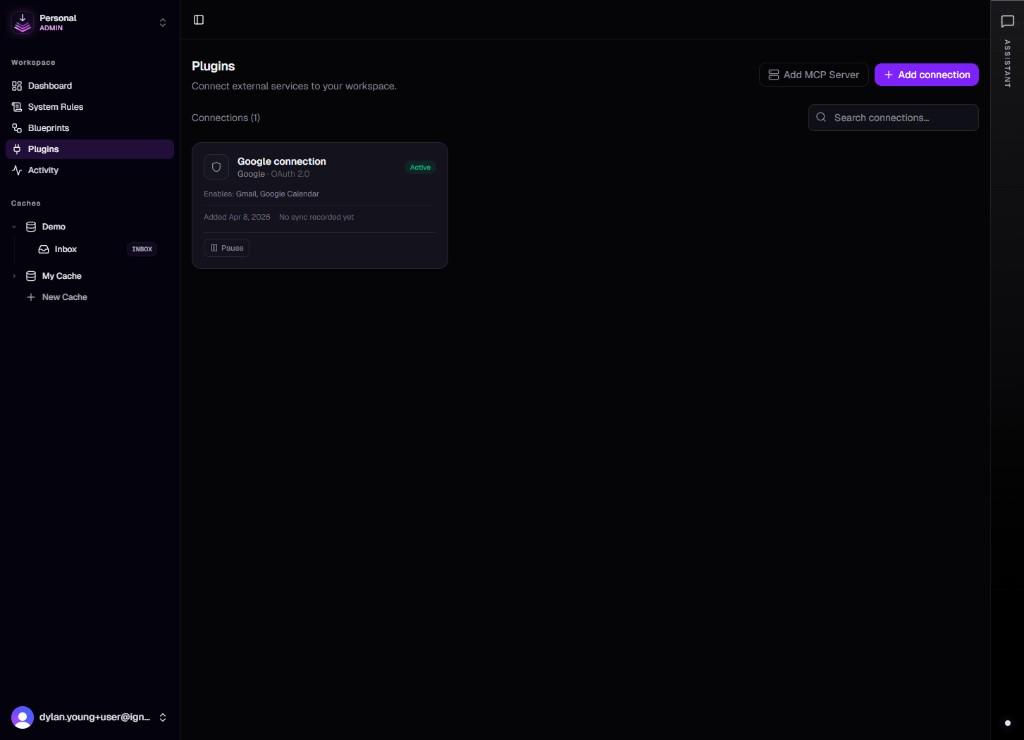
A connection is an authenticated instance of a plugin. It stores OAuth tokens (or equivalent credentials) scoped to a specific account, so blueprints, sync jobs, and agents can call external APIs on your behalf without embedding secrets in instructions.
Security and revocation
Tokens are stored server-side and rotated according to each provider's rules. You can disconnect a connection from the Plugins UI when you no longer want ContextCache to access that account. Existing blueprints that referenced it should be updated to avoid failed runs after revocation.
Keep this in mind as you add connections: each one grants the product access to a specific account within the scopes that account approved during OAuth. Review what you approved and revoke if the relationship ends.
Creating a connection
From Plugins (/dashboard/plugins), choose a service and complete the provider's OAuth consent flow. You can create multiple connections to the same plugin. Label each one by purpose, for example "Work Gmail" or "Client X Calendar", so blueprints select the right one.
Redirect URLs and callback routes are fixed for the deployment. If authorization fails, confirm the environment and provider app settings match what ContextCache expects.
Sync and data flow
Some integrations run sync jobs that pull or normalize data into the cache (for example messages or calendar events). Frequency and scope depend on the integration and product settings. Sync configuration is specific to each connection or integration surface; not every plugin uses the same model.
Connections in blueprints
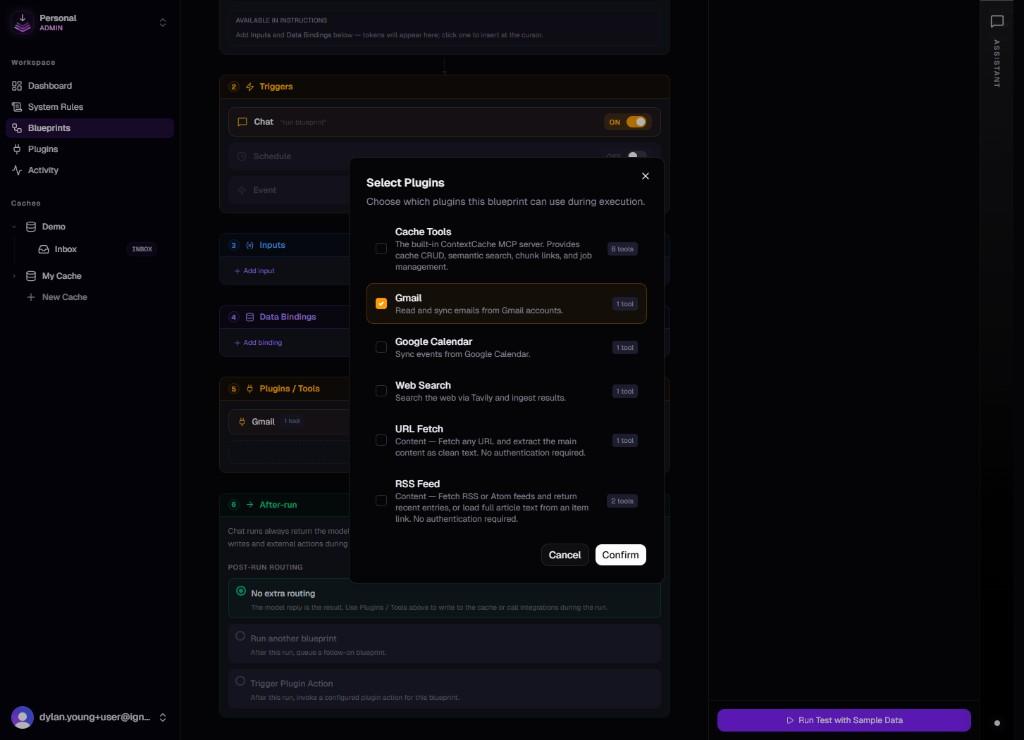
When a blueprint needs external access, select a connection so the run uses those credentials. If no connection exists yet, connect the plugin first, then return to the blueprint or agent editor. See Blueprints.